


Fleet costs straight into your accounts: how Utuh works with Bukku
20 October 2026
Most fleet owners we speak to have the same month-end ritual. A stack of fuel receipts, a few workshop invoices, a WhatsApp thread of photos from drivers, and someone in the office typing all of it into the accounting system. It is slow, it is easy to get wrong, and it always lands on the busiest week of the month.
Utuh, a product of Angkut Digital, is now an official Bukku partner, and we have built a direct link between the two. If you keep your books in Bukku, the costs your team already records in Utuh can go across as expenses and bills, posted to the accounts you choose.
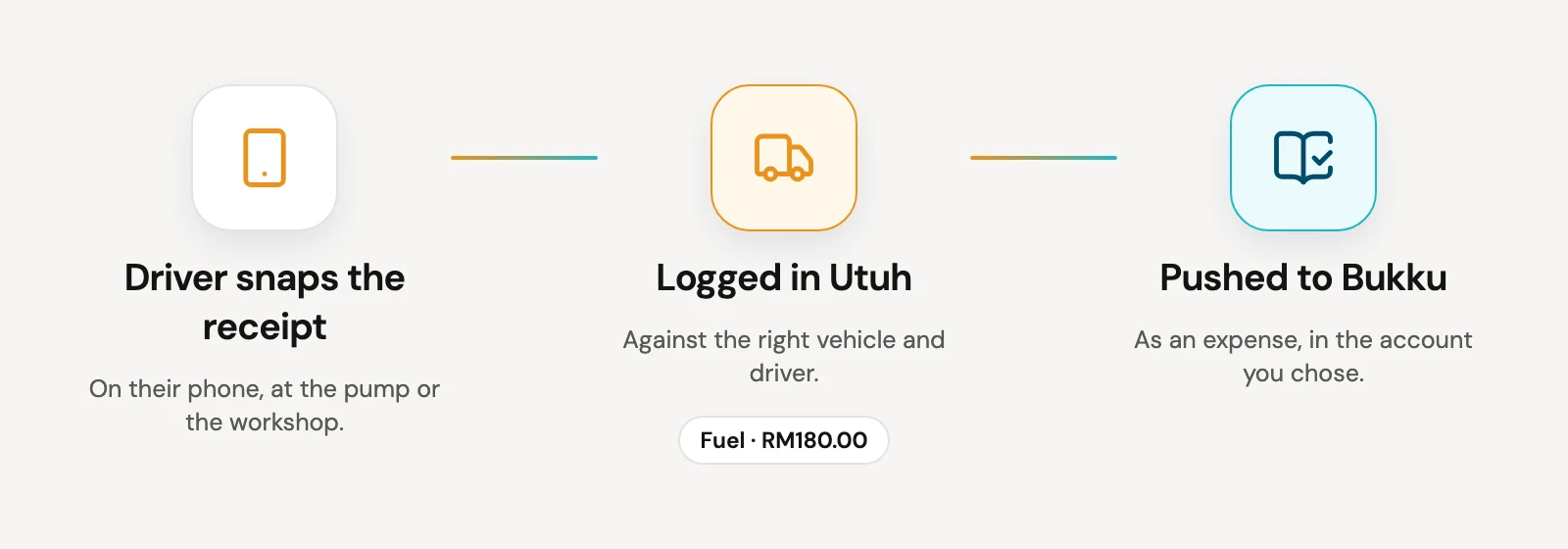
What goes across
Fuel receipts. A driver snaps the receipt on their phone, Utuh reads it for you, and you push it to Bukku as an expense against your fuel account.
Repair and other receipts. Repairs, insurance, road tax, permits and fines go to the expense account you pick for them. One account keeps things simple. If your accountant wants them split later, that is a change in Bukku, not a reason to retype anything.
Workshop jobs. When you log a service visit in Utuh's Maintenance page, it can go to Bukku as a bill. Mark it as already paid, or leave it outstanding and mark it paid when you settle with the workshop.
Cash or bank. Each payment is recorded against your cash or bank account in Bukku, depending on how it was paid. Petty cash for a driver's diesel and an FPX transfer to the workshop end up in the right place.
Setting it up
It takes about ten minutes, once.
- In Bukku, open Control Panel, then Integrations, and switch on API Access. Copy the access token it shows you.
- In Utuh, open Settings, then Bukku accounting. Paste your Bukku company subdomain and the token.
- Choose which Bukku accounts fuel, repairs, cash and bank should post to.
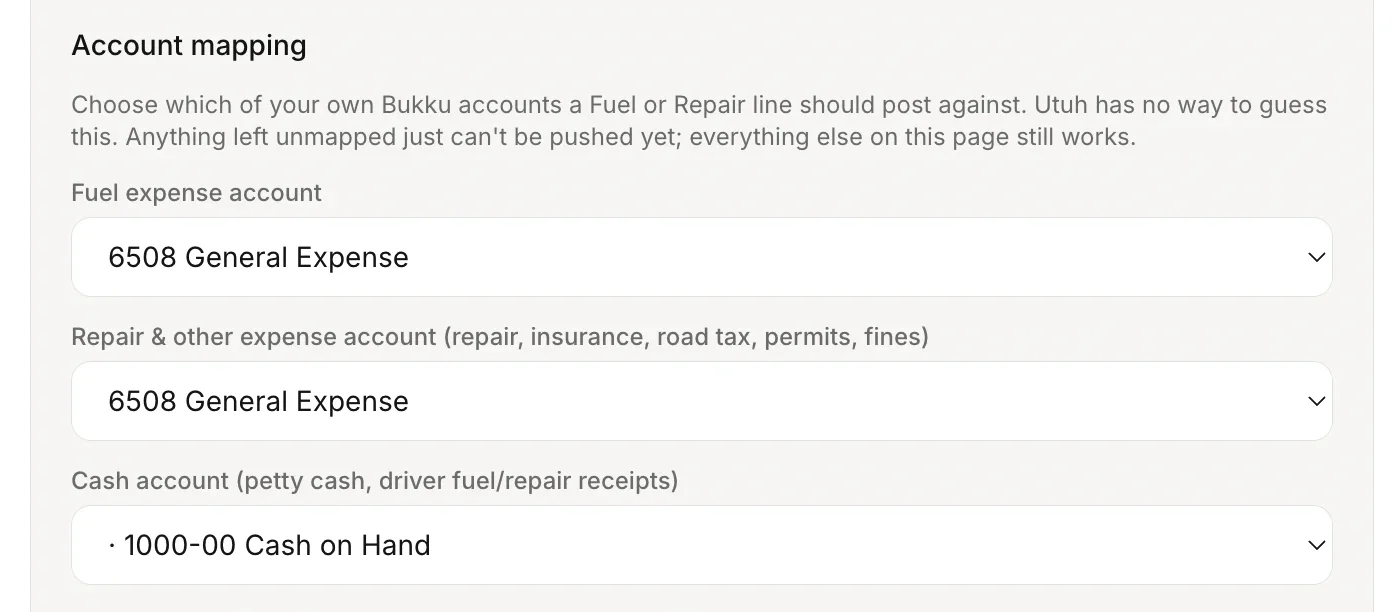
After that, there is a Push button on each receipt and maintenance entry, and you can push a batch of receipts at once from the Receipts page.
What it does not do
Utuh never changes anything that is already in Bukku. It only adds new expenses and bills, and only when someone presses Push. If a receipt has already gone across, Utuh remembers and will not send it again unless you choose to.
You can disconnect at any time from Settings in Utuh, and you can switch off API access in Bukku too.
New to Bukku?
If you are still using spreadsheets for your books, Bukku is worth a look. It is cloud accounting built for Malaysian SMEs, ready for LHDN e-invoicing, and it does not need an accounting background to use. You can sign up through our partner link, and we are happy to help you set up Utuh and Bukku together.
The Bukku link is included on Asas, Pro and Skala, the Utuh plans with receipt and maintenance logging. You can read the full details on our Bukku integration page.
Utuh, a product of Angkut Digital, is an official Bukku partner.